Uptime checks, server agent, status pages

Website and server monitoring in one place.

Check your sites from several regions. Watch CPU, memory and disk with a small agent. Keep customers informed with a status page.

Free plan. No credit card needed.

A globe of dots that turns slowly. Lines carry checks from Frankfurt, New York, and Singapore to websites around the world, and small cards show what just happened.

Companies that work with Uptimezy

Free · No sign-up

Is it up right now?

Check a website, a port, ping, DNS or the route from several places around the world, and look up a domain's registration.

We open the page and check that it answers with a success code.

The dashboard

Quiet when all is well. Clear when it is not.

Sites, servers and status pages in one place. When something breaks, the incident shows who saw what and who was told.

MonitorTypeLast 24 hoursUptimeResponse
Main websitehttps://www.example.comHTTPS100%184 ms
APIhttps://api.example.com/healthKeyword99.97%96 ms
Checkouthttps://shop.example.com/checkoutHTTPS99.98%1,240 ms
Databasepostgres://db-1.example.net:5432Database100%12 ms
Nightly backupcron, 24 hHeartbeat100%On time
Mail servermail.example.com:587Port99.99%48 ms
Everything it watches

One calm place for every check, every alert, every status page

No dashboards to babysit. When something breaks, the right people hear about it, with the facts they need.

Every kind of check

Websites, keywords, ports, ping, DNS records, APIs with checks on the JSON, and databases (PostgreSQL, MySQL, MariaDB) with a query. UDP services (DNS, NTP, game servers) must answer. Cron jobs report in with heartbeats.

Learn more: Uptime monitoring
Confirmed before anyone wakes up

A failure is checked again from other regions first. Only when they agree is it down, so one bad network path never wakes you at 3 a.m.

Status pages on your domain

Your logo, your colour, your address. Post incident updates and planned maintenance; visitors subscribe by email or by feed.

Learn more: Status pages

Your servers, from the inside

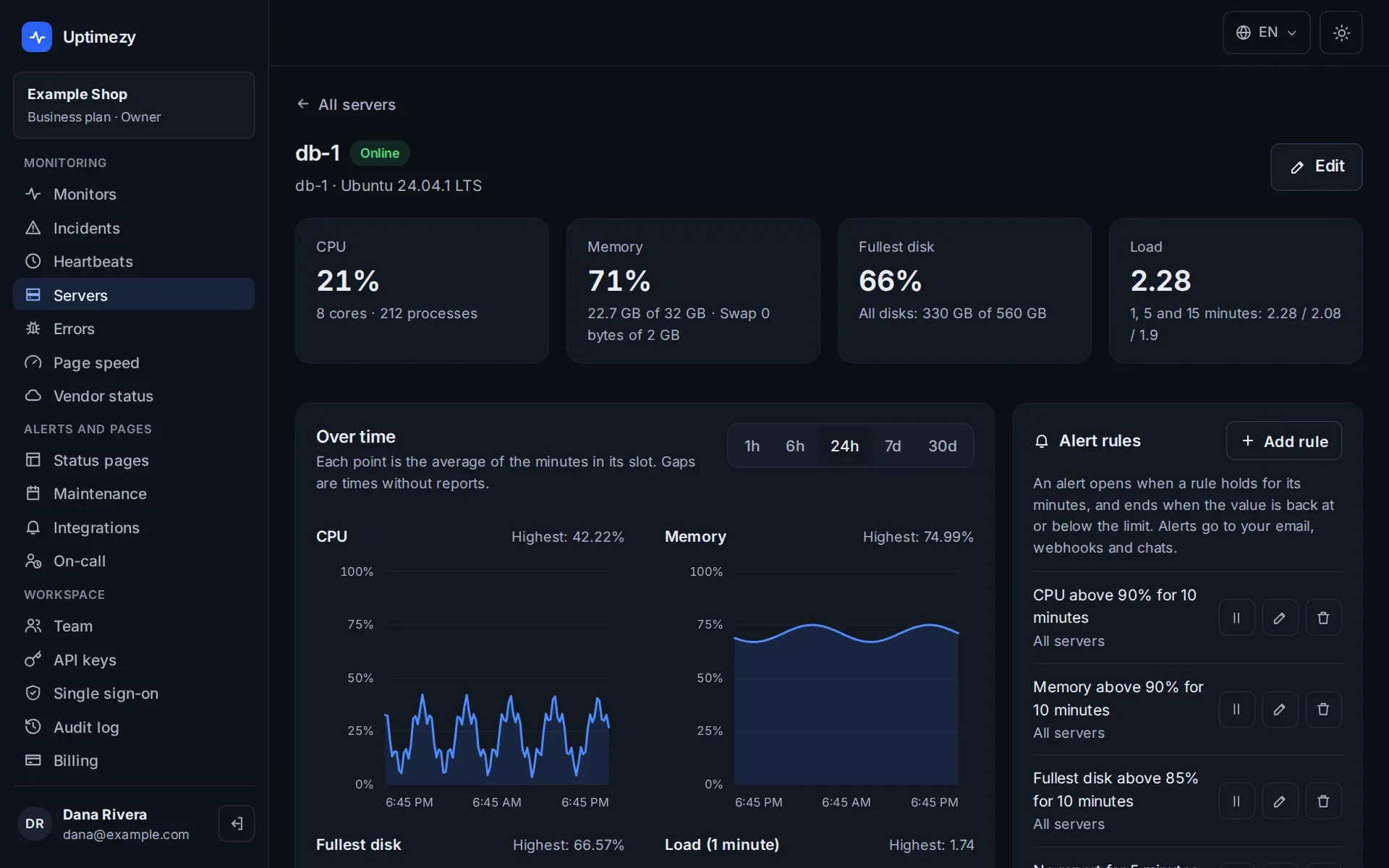
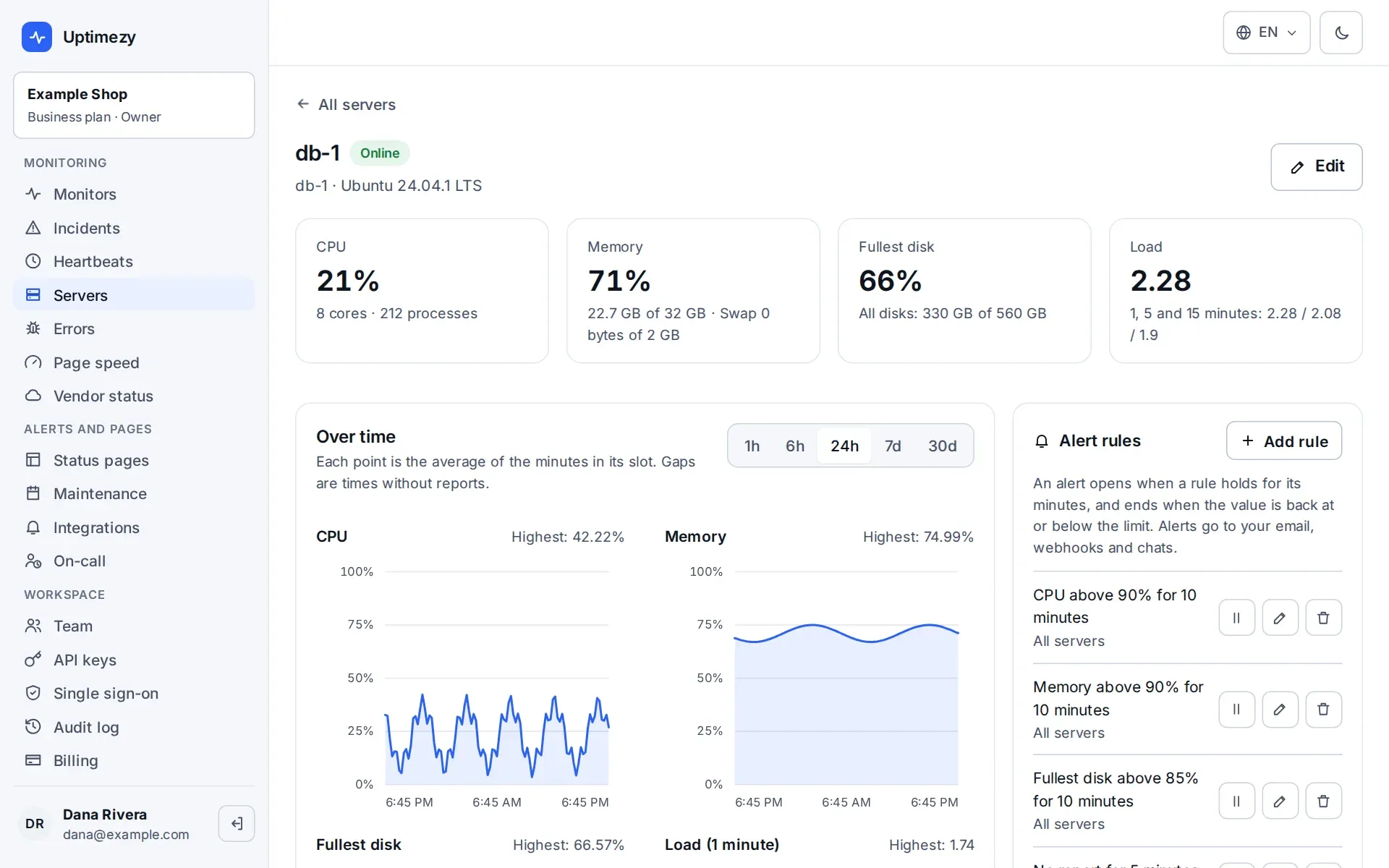
A small agent that only reads and only sends: CPU, memory, disks, network and the busiest processes, every minute. Rules alert you before a disk fills up.

Learn more: Server monitoring

Alerts where your team works

Email, Telegram, Slack, Discord, Microsoft Teams, Google Chat, Mattermost, ntfy, Pushover, PagerDuty and signed webhooks. Escalation steps, on-call rotations and up to 10 reminders until someone presses Acknowledge.

Learn more: Alerts and escalation

When your vendors break

Follow the status pages of GitHub, Cloudflare, OpenAI and 27 more. Choose the parts and the impact that matter, and hear when a problem starts and when it is over.

Errors and page speed

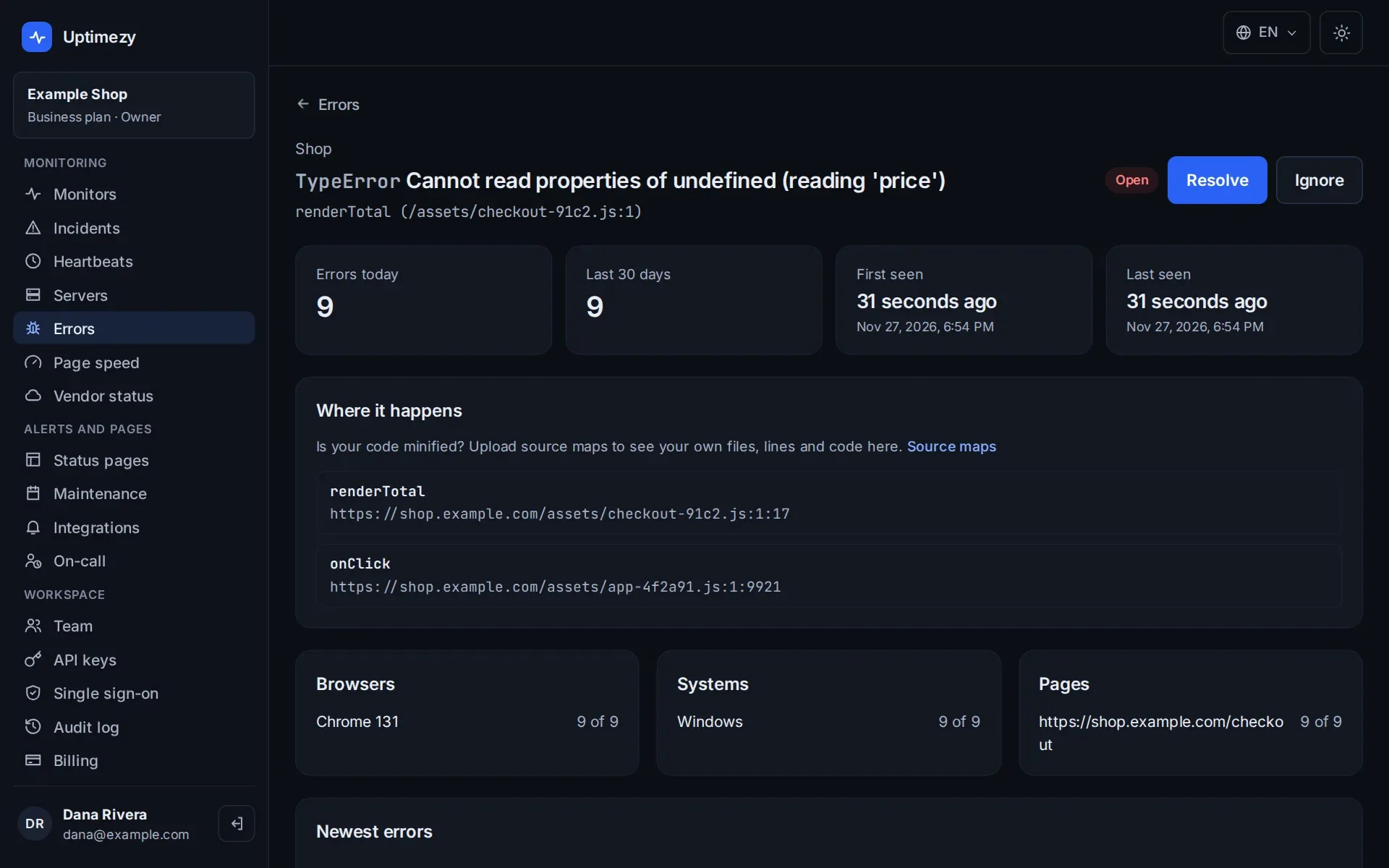
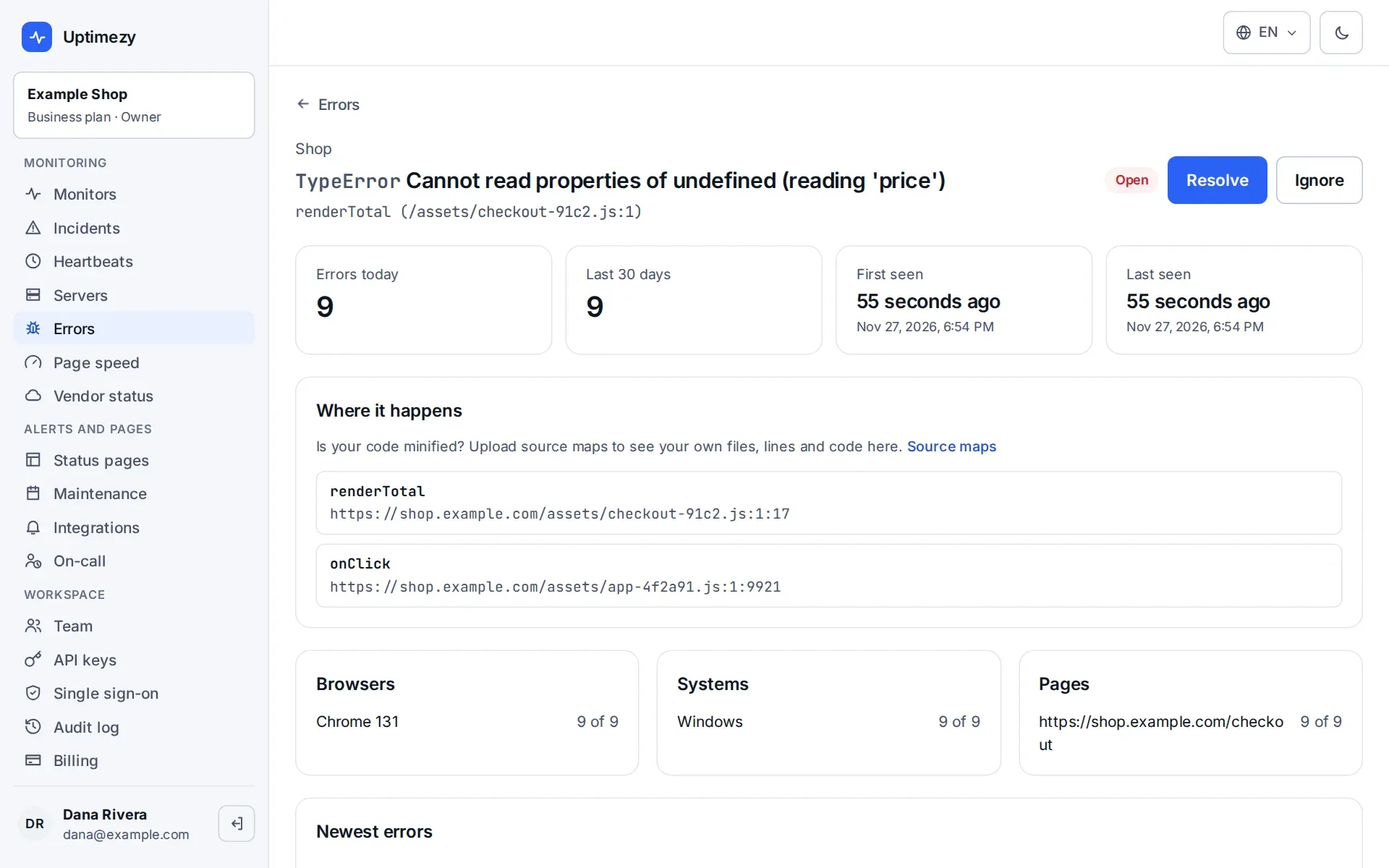
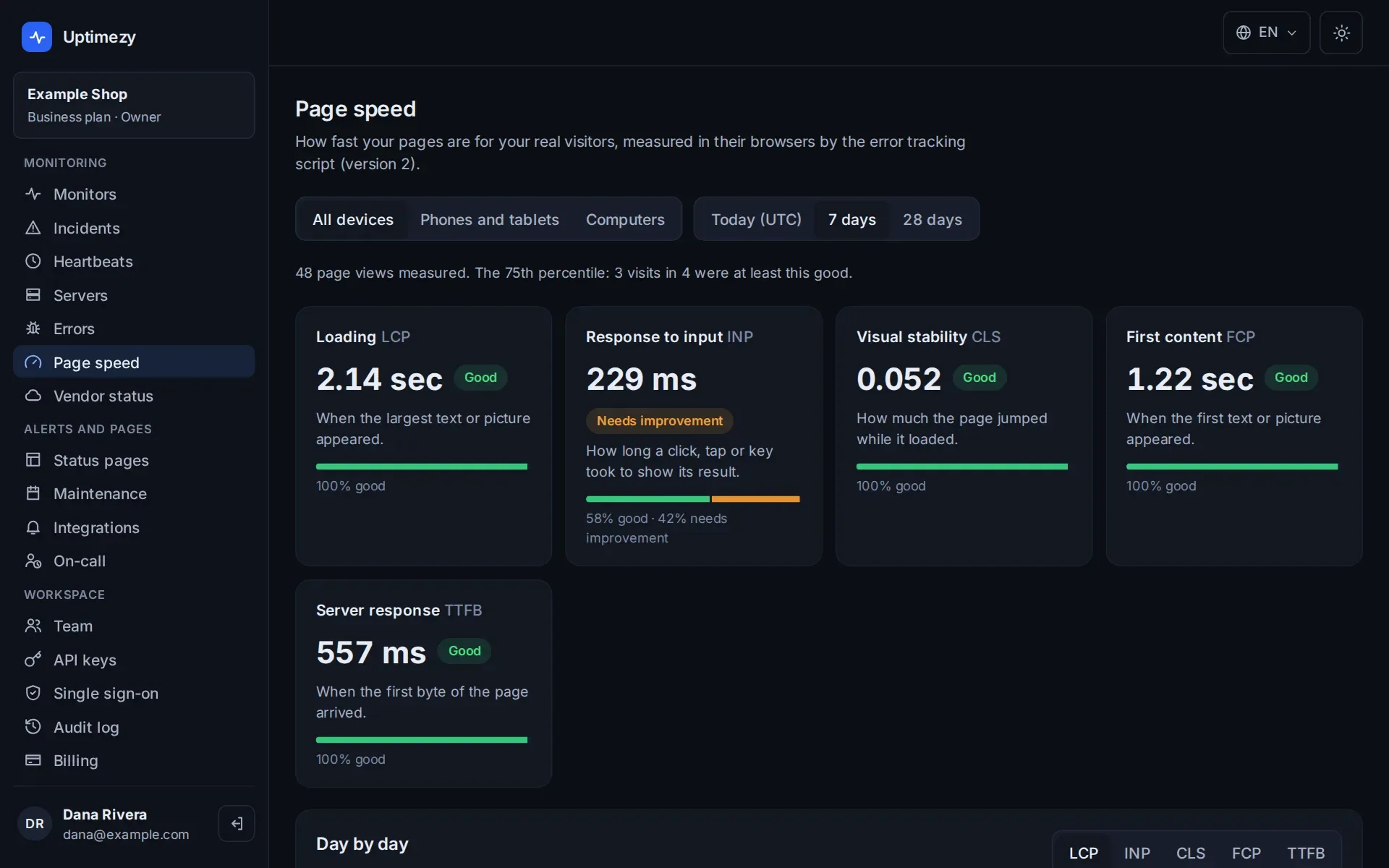
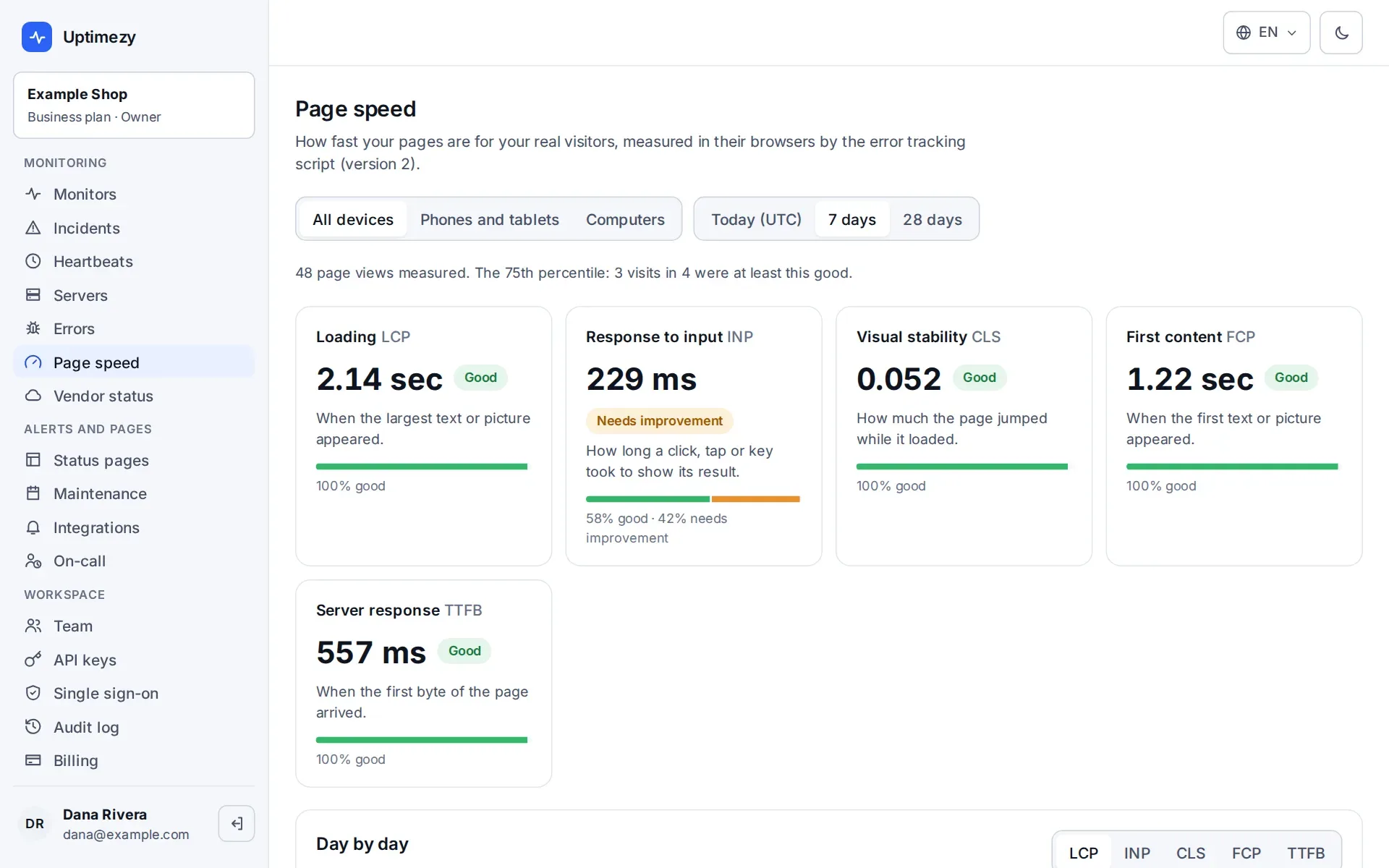
A small script on your site reports the errors your visitors' browsers hit, grouped into issues with readable stacks, and measures how fast your pages load for real visitors.

Learn more: Error tracking

Team and security

Roles from viewer to owner, and two-step sign-in for everyone. On Business and Enterprise, single sign-on through your company's provider and an audit log you can download.

Learn more: Team and security

Ask your AI assistant

Connect ChatGPT, Claude Code, Cursor, and VS Code through MCP. Your assistant reads monitors, incidents and servers, and can acknowledge an incident for you. No tool deletes anything.

Learn more: AI assistants
The real product

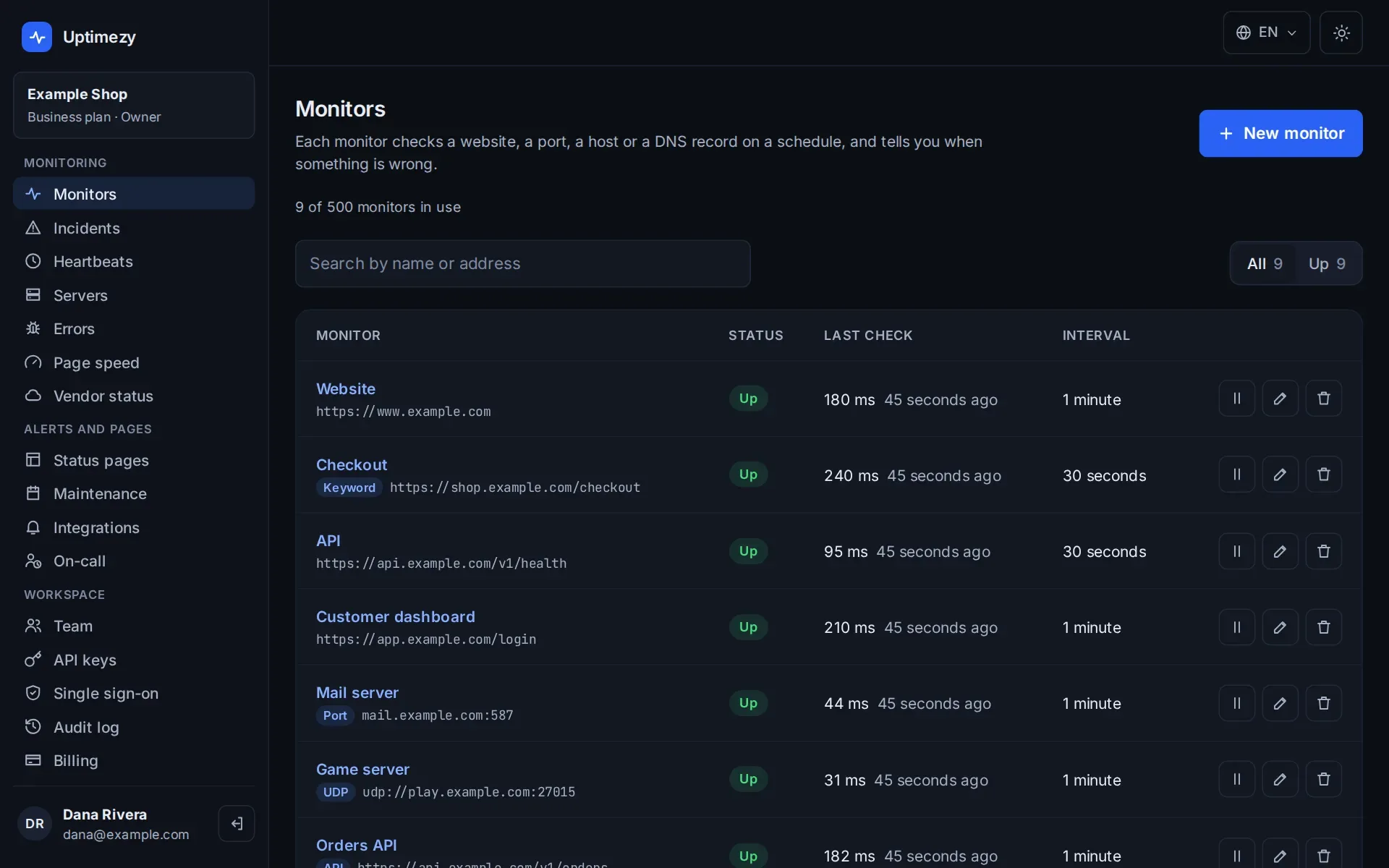
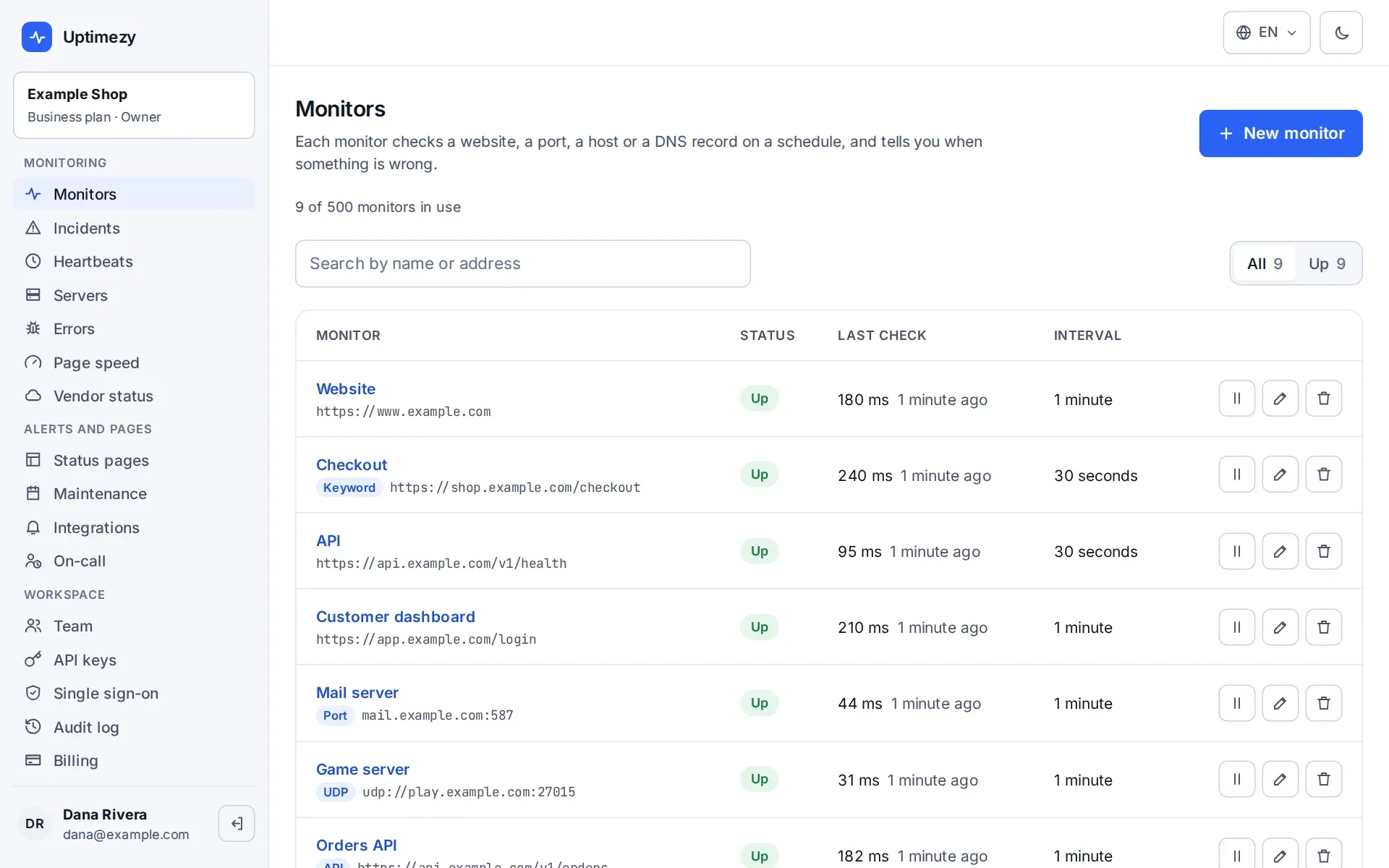
Screens from the dashboard

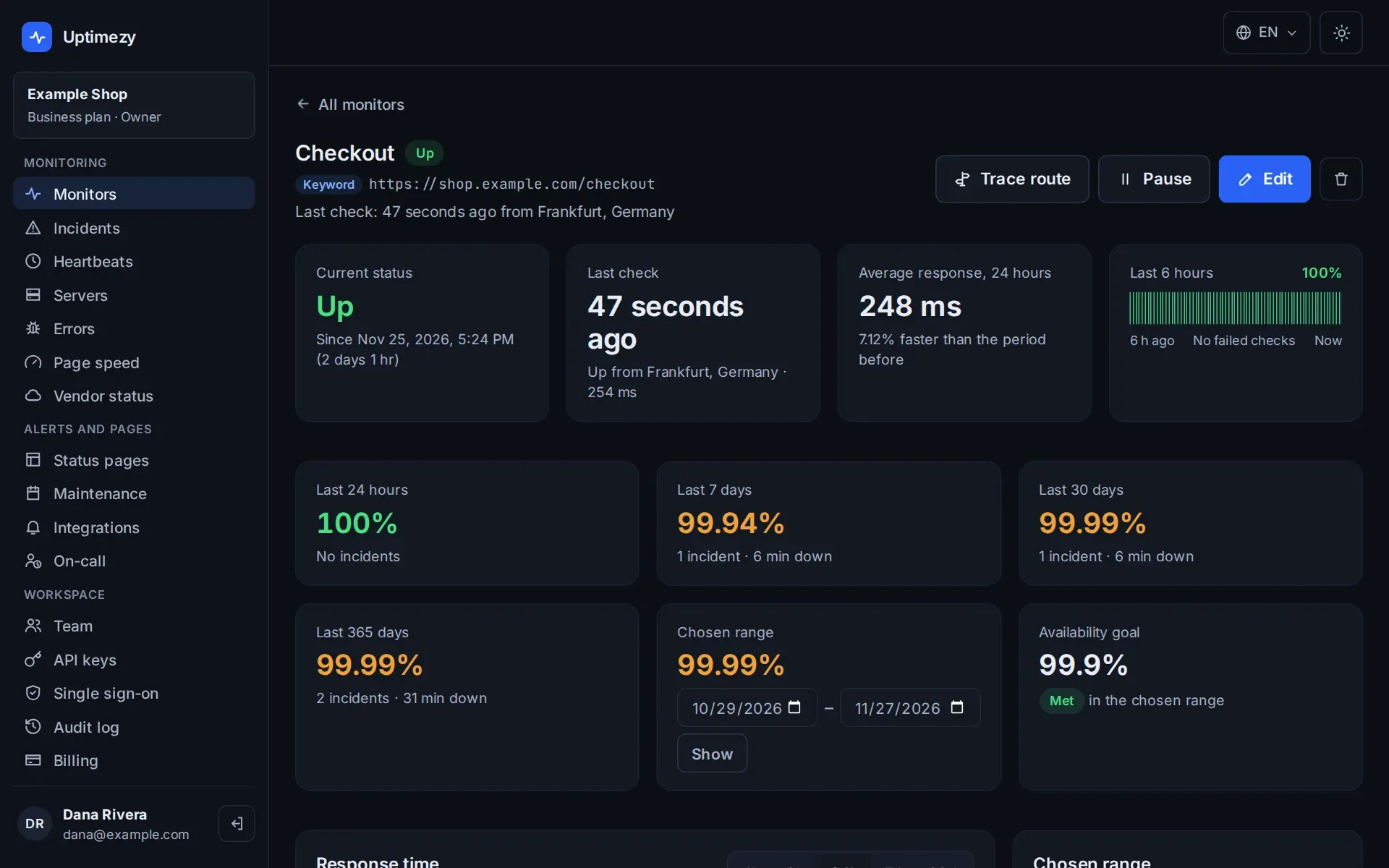
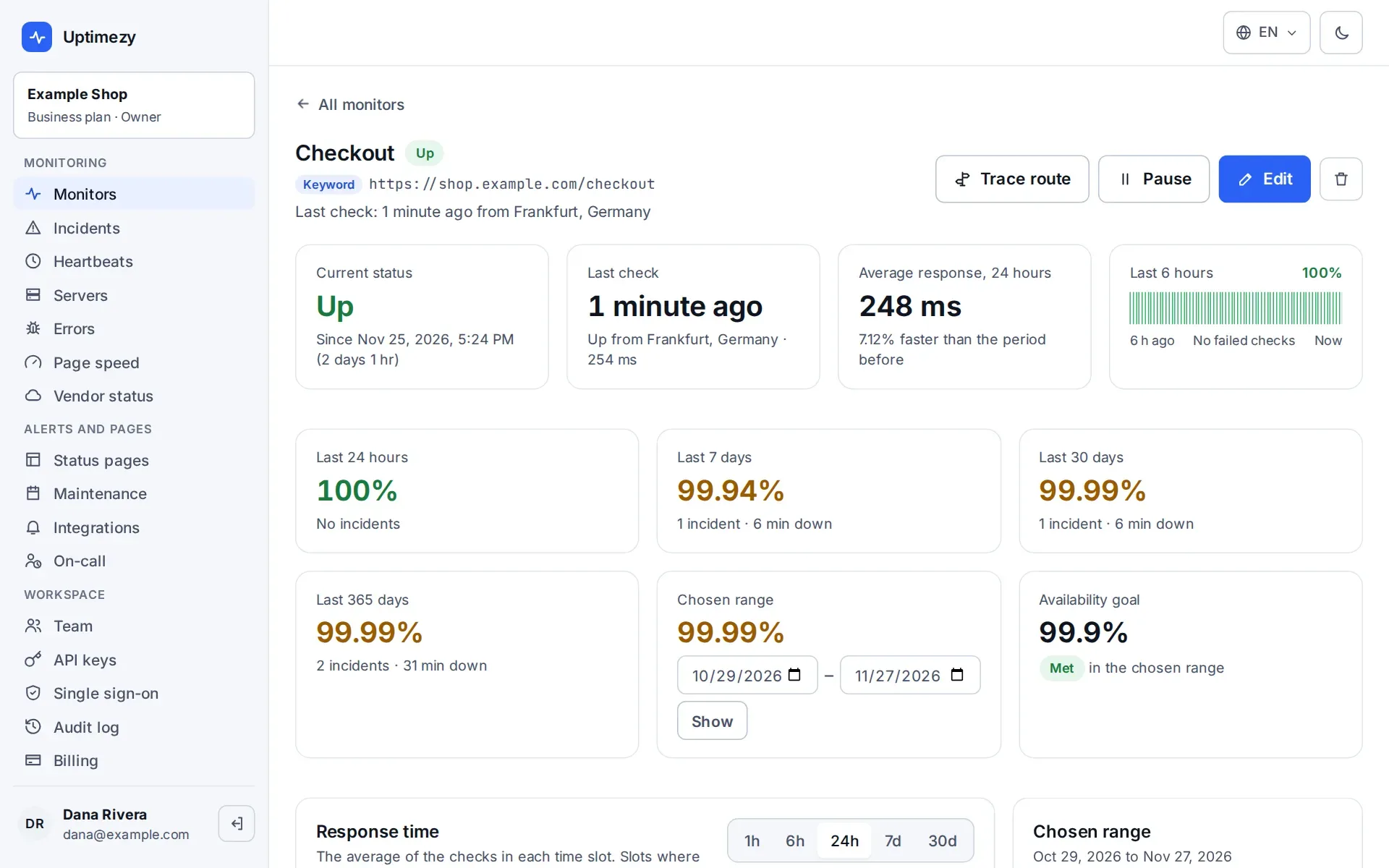
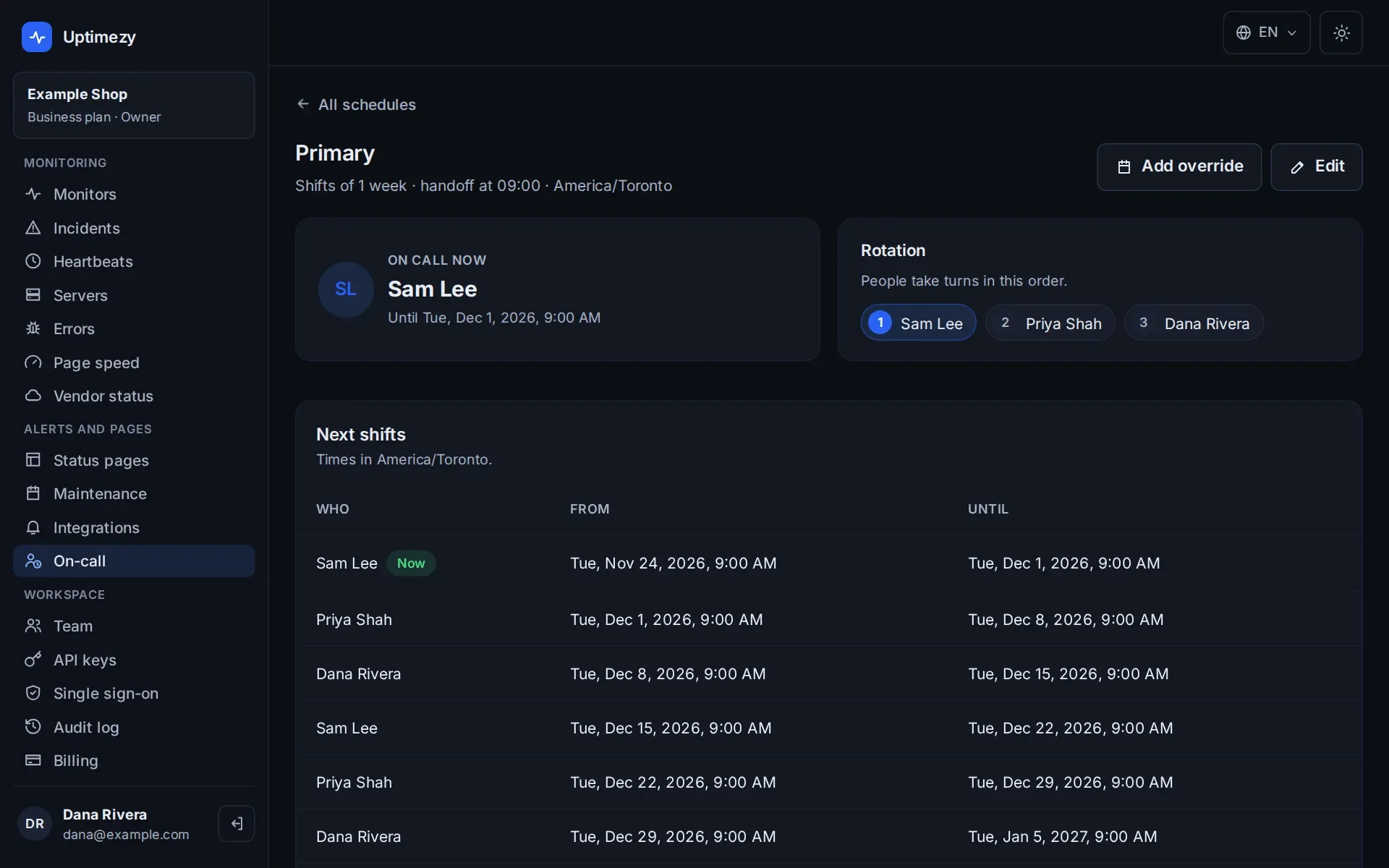
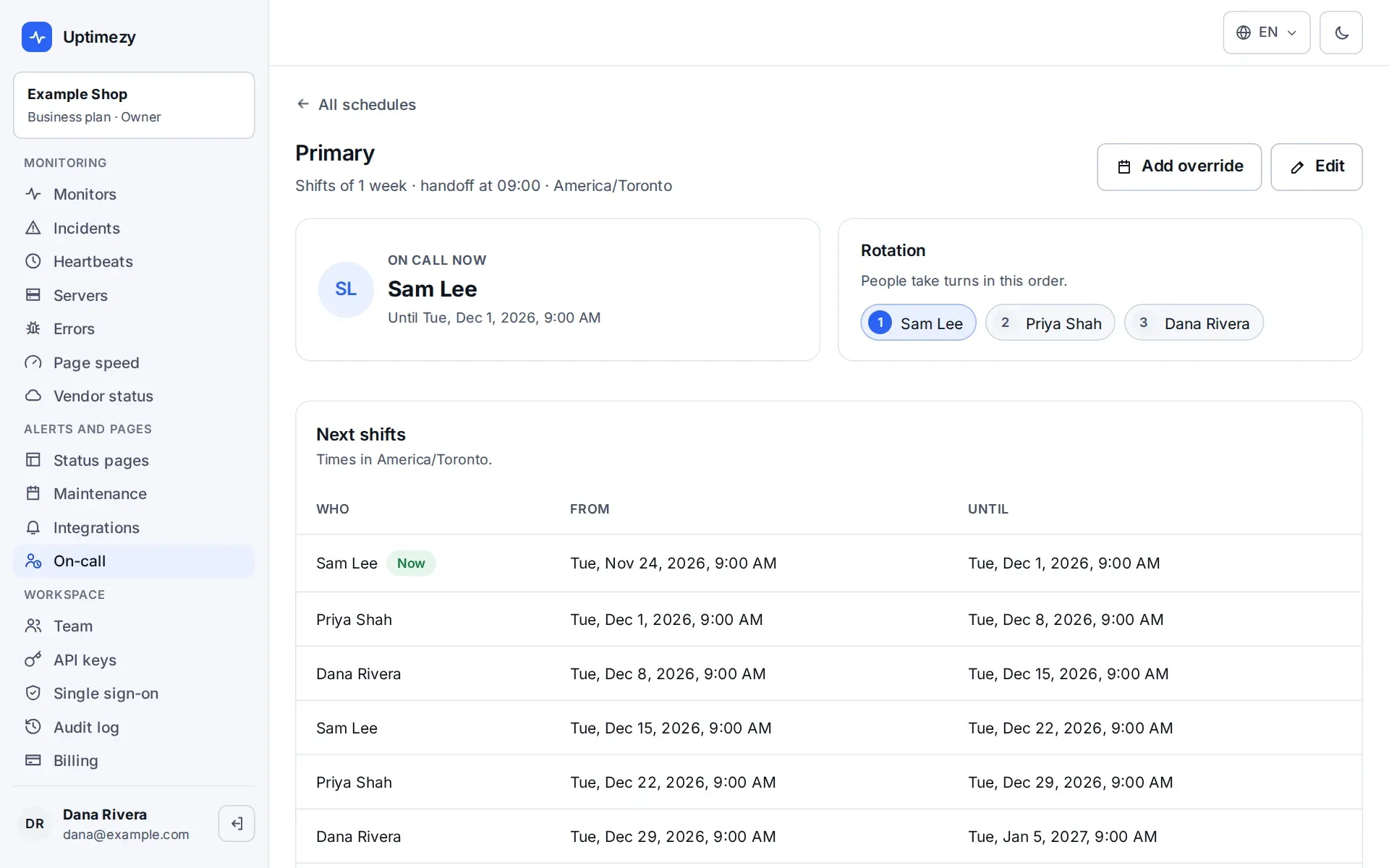
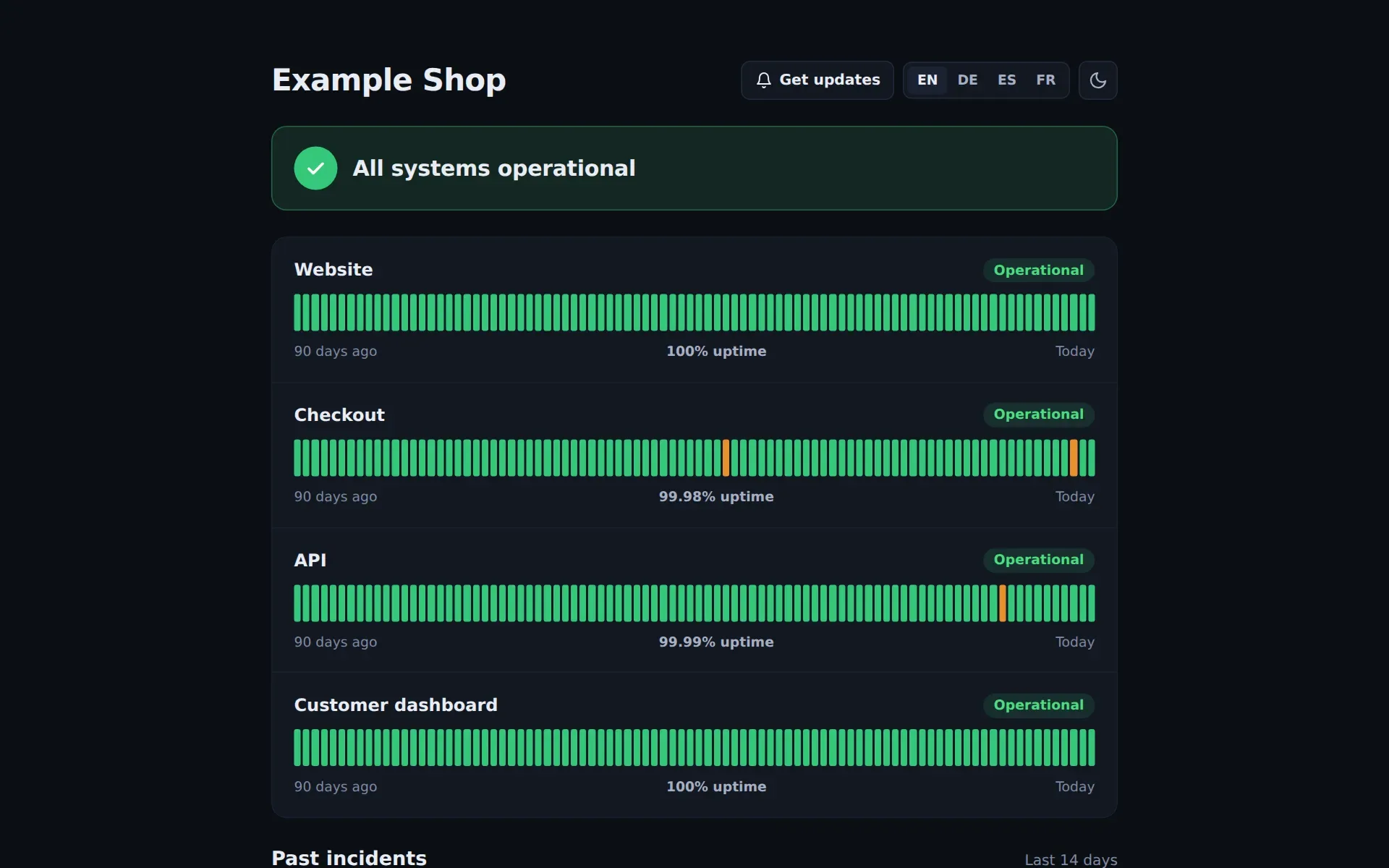
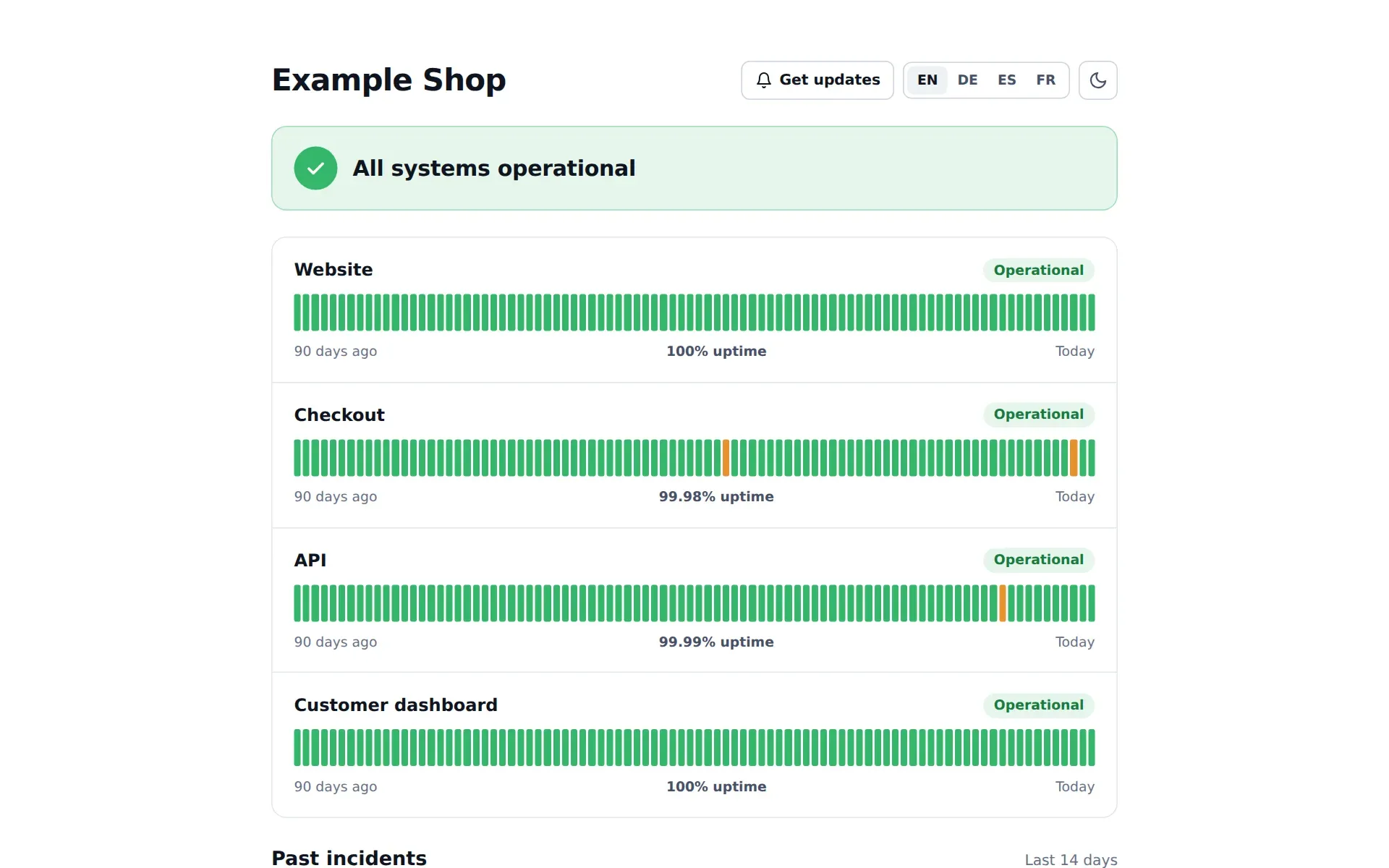
No mock-ups: this is the dashboard and a status page as they are today, filled with example data.

The Monitors page: nine monitors of different types, all up, with their response times and check intervals.The Monitors page: nine monitors of different types, all up, with their response times and check intervals.
Server agent

Install the agent with one command

Your server shows up in the dashboard in under a minute.

  • One small program, capped at 64 MB of memory
  • Outbound HTTPS only, no open ports
  • No remote command execution, by design
  • Runs as its own user in a read-only sandbox
Integrations

Alerts in the apps your team already uses

Email and 9 apps get your alerts. Webhooks, the REST API and AI assistants connect your own code. Every card leads to a step-by-step guide.

See all integrations
Six minutes, start to finish

From a failed check to a fixed incident

The whole story of an outage, the way Uptimezy tells it: who saw what, who was told, and when it ended.

  1. A check fails

    New York gets no answer from checkout.example.com in time. It tries again a few seconds later, to rule out a short network problem.

  2. Two more regions confirm

    Frankfurt and Singapore run the same check at once and see the same. It is real, not one bad network path.

  3. Your team is told

    An incident opens. The person on call gets an email and #ops gets a message. Reminders keep coming until someone answers.

  4. Acknowledged

    Sam takes it with one click. Everyone else stops getting reminders.

  5. Back up

    The checks pass again, the incident closes by itself and the status page shows it.

Pricing

Simple pricing

Start free. Upgrade when you need faster checks or more servers.

Pro

For one person and a few sites

$7.50

$9

per month

$90 billed yearlyBilled monthly

Choose Pro
  • 50 monitors
  • 60-second checks
  • 5 server agents
  • 3 status pages on your domain
  • 3 team members
  • 2 on-call schedules
See every limit

Team

Recommended

For small teams

$24.17

$29

per month

$290 billed yearlyBilled monthly

Choose Team
  • 150 monitors
  • 30-second checks
  • 20 server agents
  • 10 white-label status pages
  • 5 team members
  • 10 on-call schedules
See every limit

Business

For companies with many services

$65.83

$79

per month

$790 billed yearlyBilled monthly

Choose Business
  • 500 monitors
  • 15-second checks
  • 100 server agents
  • 100 white-label status pages
  • 25 team members
  • Single sign-on and audit log
See every limit

Enterprise

For hosts, agencies and large teams

$165.83

$199

per month

$1,990 billed yearlyBilled monthly

Choose Enterprise
  • 2,000 monitors
  • 15-second checks
  • 500 server agents
  • 500 white-label status pages
  • 100 team members
  • Single sign-on and audit log
See every limit

Free

For trying it out and personal sites. No time limit and no card needed.

  • 10 monitors
  • 3-minute checks
  • 1 server agent
  • 1 status page
  • 1 team member
  • Alerts by email and in 9 apps

Prices in USD. Pay by card, PayPal or crypto.

See full pricing
FAQ

Questions people ask first

What does Uptimezy do?

It checks that your websites and services answer, watches the health of your servers, and gives your customers a status page. All three share one account and one set of alerts.

How do you avoid false alarms?

A failed check is tried again, then verified from two other regions. An incident opens only when the regions agree.

Where do the checks run from?

From several regions in North America, Europe and Asia. A failure is checked again before anyone is alerted.

Is the server agent safe to install?

The agent only makes outbound HTTPS connections, opens no ports and cannot run commands. It runs as its own user in a read-only sandbox.

Which languages are supported?

The website, the dashboard, status pages and alert messages are available in English, French, Spanish and German.

Is there a dark theme?

Yes. Every page has a dark and a light theme. The first visit follows your device setting, and your choice is remembered.

Is there a free plan?

Yes. The Free plan has 10 monitors, one server agent and one status page, with no time limit and no credit card.

How can I pay?

By card, PayPal or crypto. The pricing page has the details.

Add your first monitor in two minutes

Free plan. No credit card needed.